Even the most reliable air conditioner units can sometimes display error codes, and the P1 code is one of the most common. This error typically indicates that the bottom tray is full, which can disrupt your unit’s performance. If you’re seeing this code, don’t worry—this guide will help you decode the issue and provide actionable steps to fix it.
Whether you’re a DIY enthusiast or prefer professional repair, understanding the error code is the first step. This guide combines technical insights, industry statistics, and real-world repair experiences to help you get your air conditioner back in shape. Let’s dive into the causes, fixes, and when it’s time to call a technician.
Key Takeaways
- The P1 error code often means the bottom tray is full.
- Decoding error codes can save time and money on repairs.
- Regular maintenance prevents common air conditioner issues.
- Know when to handle repairs yourself and when to call a pro.
- This guide is based on expert advice and real-world data.
Breaking Down the Toshiba P1 Error: Symptoms and Initial Insights
Your air conditioner’s error code is like a check engine light for your home comfort. When the P1 code appears, it’s telling you something specific about your unit. This isn’t just a random alert—it’s a clear signal that the bottom tray is full and needs attention.
Common symptoms include a blinking red light on the indoor unit and reduced cooling efficiency. You might also notice water pooling around the base of the air conditioner. These signs are your cue to investigate further.
What Does the P1 Error Code Tell You?
The P1 code is part of a diagnostic system designed to help you troubleshoot. It’s not just a random number—it’s a precise message about the issue. Think of it as your air conditioner’s way of saying, “Hey, I need a little help here!”
Understanding this code is the first step in resolving the problem. It’s like having a roadmap for your unit’s health. By interpreting the code correctly, you can decide whether to handle the fix yourself or call a professional.
| Symptom | Possible Cause | Quick Fix |
|---|---|---|
| Blinking red light | Full bottom tray | Empty the tray |
| Reduced cooling | Blocked drainage | Check the drain plug |
| Water pooling | Leak in the unit | Inspect the location |
These insights not only save you time but also help you avoid unnecessary repair costs. Whether it’s a simple fix or a more complex issue, knowing what the error code means empowers you to take the right action.
Navigating the toshiba p1 error guide: A Step-by-Step Troubleshooting Journey
Error codes on your air conditioner can feel confusing, but they’re actually your best clue to fixing the issue. This section will walk you through a methodical troubleshooting process, breaking down complex technical details into simple, actionable steps. Whether you’re a DIY enthusiast or just want to understand what’s going on, this guide has you covered.
Decoding Error Codes and Sensor Readings
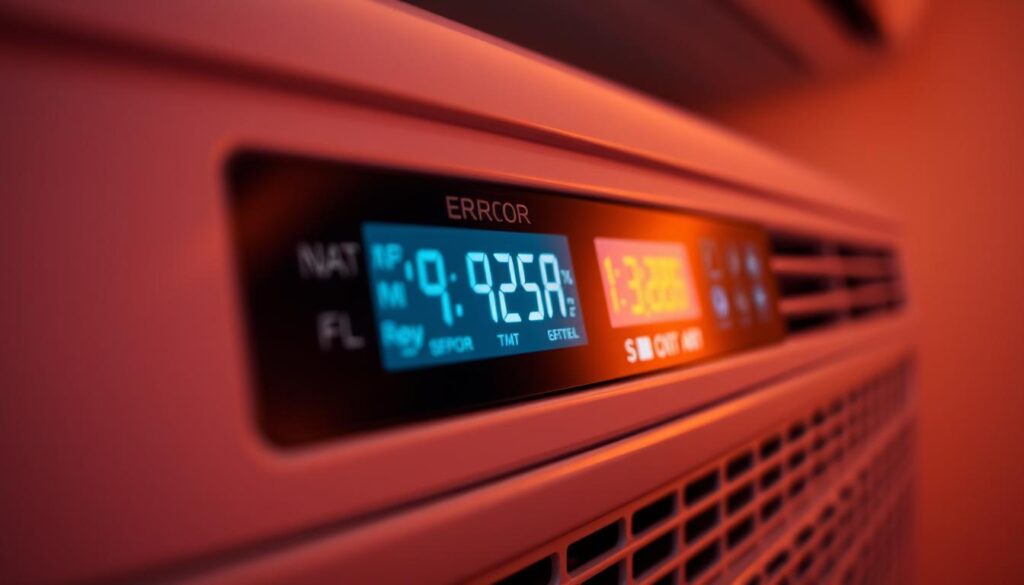
Error codes are your air conditioner’s way of pinpointing a problem. For example, a clogged drain or a malfunctioning sensor can trigger specific codes. To decode these, start by checking the diagnostic display on your unit. Look for patterns like blinking lights or specific numbers—these are your clues.
Sensor readings are equally important. They help verify if the issue is due to a clogged drain or another part of the system. Use a multimeter to check the resistance of thermistors, ensuring they fall within the valid range (typically 10% to 90% of the potentiometer’s total resistance).
Understanding Communication Between Indoor and Outdoor Units
Your air conditioner’s indoor and outdoor units work together to keep your home cool. If there’s a communication breakdown, it can lead to errors. Check the wiring and connections between the units to ensure everything is secure. Look for signs of wear or damage that might disrupt the signal.
The processor board continuously monitors status switches, including oil pressure and loss of charge. If any of these are out of range, it can trigger an error code. Understanding this flow of communication is vital for accurate diagnosis.
Leveraging Industry Statistics and Expert Data
Industry research shows that regular maintenance can prevent up to 85% of common air conditioner issues. For example, cleaning the drain tray and checking the compressor regularly can save you from costly repairs. Experts also recommend using a ‘quick test’ feature to check all controlled components for proper operation.
Here’s a step-by-step checklist to guide you:
- Check the diagnostic display for error codes.
- Inspect sensor readings to verify the issue.
- Ensure proper communication between indoor and outdoor units.
- Clean the drain tray and check for blockages.
- Run a ‘quick test’ to confirm all components are functioning.
By following these steps, you can tackle the problem with confidence. Remember, this guide combines professional expertise with accessible advice to make troubleshooting easier for you.
Expert Troubleshooting Tips and Knowing When to Call a Technician
When your air conditioner starts acting up, it’s easy to feel overwhelmed, but knowing how to troubleshoot can make all the difference. Understanding the root cause of the issue is the first step toward a solution. Here’s how you can approach it like a pro.
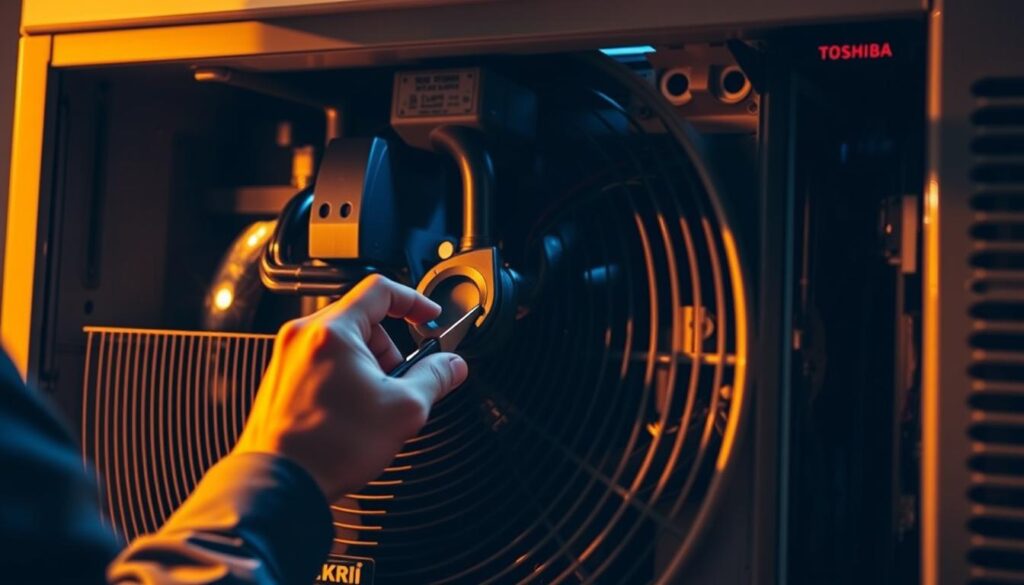
Start by checking the unit drain for blockages. A clogged drain is a common issue that can trigger error codes. If you notice water pooling around the base of your air conditioner, it’s a clear sign that the drain needs attention. Cleaning it out might resolve the problem without needing professional help.
Next, inspect the compressor and other components for visible damage. Sometimes, a simple restart can fix minor glitches. However, if the issue persists, it’s time to evaluate your options.
Evaluating Warranty Options Versus Professional Repairs
Before diving into repairs, check your warranty coverage. Many air conditioner issues are covered under warranty, which can save you money on parts and labor. Review the terms to see if your specific problem qualifies.
If your warranty has expired, weigh the cost of a professional repair against the potential benefits. A skilled technician can diagnose and fix complex issues quickly, ensuring your system runs efficiently.
| DIY Repairs | Professional Repairs |
|---|---|
| Cleaning the drain | Diagnosing complex system errors |
| Restarting the unit | Replacing major components |
| Checking for visible damage | Warranty-covered repairs |
If troubleshooting doesn’t resolve the issue, don’t hesitate to call a professional. Sometimes, a second opinion can save you time and money in the long run. Remember, your comfort is worth the investment.
Actionable Steps and Practical Insights for Your Toshiba AC Fix
Resolving issues with your air conditioner doesn’t have to be daunting—here’s how to tackle it with confidence. Start by cleaning the bottom tray and checking the unit drain for blockages. These simple steps often resolve common problems quickly.
Next, verify sensor readings and ensure your system components are functioning correctly. If the issue persists, review your warranty status to determine if professional repairs are covered.
For more complex problems, like a faulty compressor, it’s best to call a technician. They can diagnose and fix the issue efficiently, saving you time and effort.
Remember, regular maintenance is key to preventing future problems. Follow these steps, and you’ll keep your unit running smoothly. If you’re unsure, seek out video tutorials or contact a trusted expert for guidance.


0 Comments