
Imagine sitting with your morning coffee, trying to untangle the complexities of your HVAC setup. It’s no secret that heating, cooling, and ventilation systems can feel overwhelming, especially when issues arise. That’s where a clear architecture diagram comes in—it’s your blueprint for understanding how all the pieces fit together. By visualizing the components and their relationships, you can spot potential problems early and streamline communication with your team.
Did you know that up to 30% of energy consumption in commercial buildings is tied to HVAC systems1? A well-designed diagram not only helps you troubleshoot but also ensures energy efficiency, saving you time and money. Tools like Miro and Lucidchart make it easier to create these visuals, reducing errors and improving collaboration. This article is packed with insights and proven practices to help you plan and maintain your setup with confidence.
Key Takeaways
- Visual blueprints simplify HVAC planning and troubleshooting.
- Energy efficiency can improve by up to 50% with proper design1.
- Diagramming tools like Miro and Lucidchart save time and reduce errors.
- Clear visuals enhance team communication and project efficiency.
- Regular maintenance can prevent up to 95% of system failures2.
Addressing HVAC Challenges with a Problem-Solution Approach
Let’s face it—HVAC problems can feel like a maze without a map. Whether you’re dealing with an aging setup or a new installation, the challenges are real. From miscommunication between teams to overlooked design flaws, these issues can snowball into costly repairs. That’s where a clear architecture diagram becomes your lifeline.
One of the most common struggles is understanding how components interact. Without a visual guide, it’s easy to miss critical connections. For example, a poorly placed air handler can lead to uneven heating or cooling. By mapping out your system architecture, you can spot these issues early and avoid headaches down the line3.
https://www.youtube.com/watch?v=yhU4Cs09IUI
Detailed datum is another game-changer. Accurate measurements and specifications ensure your design aligns with real-world needs. I once worked on a project where a missing detail in the blueprint caused a delay. After revising the architecture diagram, we saved weeks of rework. It’s a reminder that even small oversights can have big consequences.
Using a problem-solution approach can streamline troubleshooting. Start by identifying the issue, then map it back to the relevant component. This method not only saves time but also improves outcomes. For instance, regular maintenance can reduce energy usage by at least 10%, lowering your monthly bills3.
Finally, don’t underestimate the power of collaboration. A well-designed architecture diagram ensures everyone is on the same page. Tools like Miro and Lucidchart make it easy to share updates and gather feedback. By working together, you can tackle even the toughest HVAC challenges with confidence.
Understanding the system diagram guide: Your Blueprint for HVAC Success
Think of your HVAC setup as a puzzle—each piece needs to fit perfectly for smooth operation. A visual guide acts as your blueprint, helping you see how every component connects. It’s like having a map for a road trip; without it, you might take wrong turns and waste time4.
The right tool can transform how you visualize data flow and communicate protocols. For example, software like Miro or Lucidchart makes it easy to create detailed visuals. These tools ensure everyone on your team understands the design, reducing errors and saving time5.
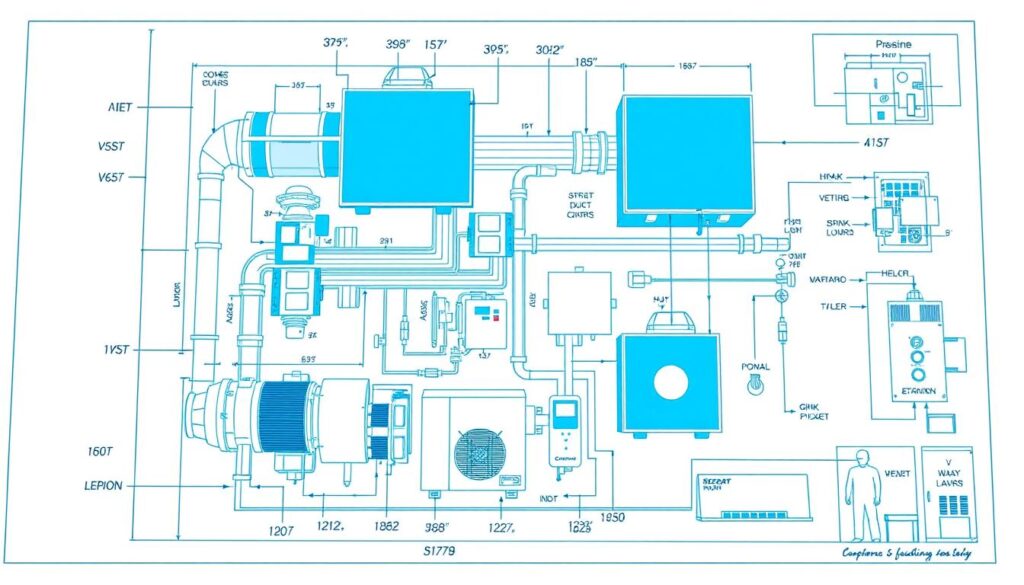
Clear design leads to fewer mistakes and a better understanding of how each part interacts. When every connection is mapped out, you can spot potential issues early. This proactive approach can save you from costly repairs down the line6.
Need diagram help? Online templates and expert resources are readily available. These tools make the process accessible, even for beginners. With a little practice, you’ll be creating professional visuals in no time.
By using a visual guide, you’re not just solving problems—you’re preventing them. It’s a small step that can make a big difference in your HVAC setup’s efficiency and longevity.
Planning Your HVAC Architecture: A Coffee Chat on Design and Strategy
Picture this: you’re sipping your coffee, sketching out the blueprint for your HVAC setup. It’s the perfect time to think about how every piece fits together. Planning your architecture isn’t just about technical details—it’s about creating a strategy that works for your space and your team.
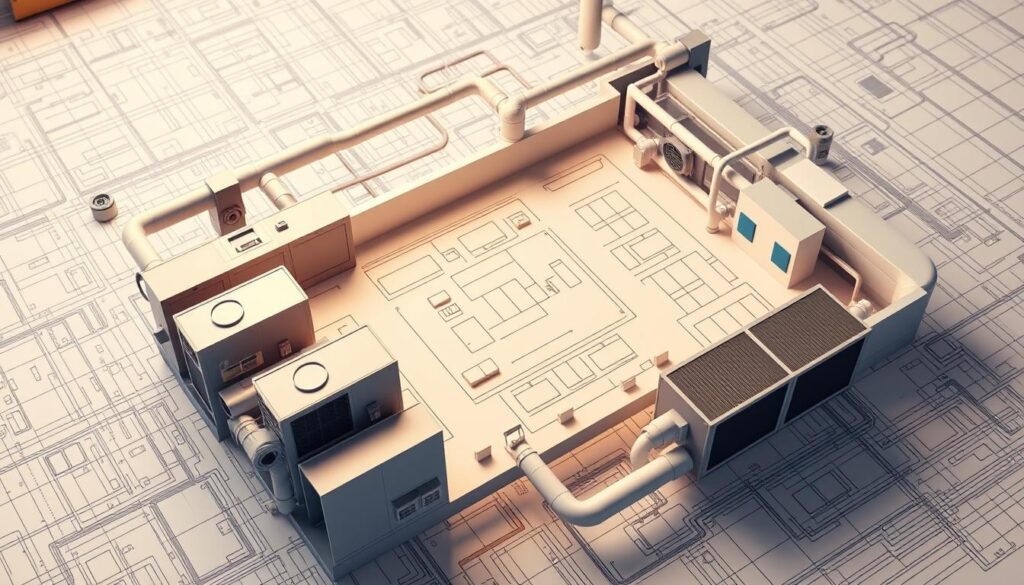
Breaking Down System Components and Data Flow
Start by identifying the key components. What are the main parts of your setup? Think about air handlers, thermostats, and ductwork. Each piece plays a role in how your HVAC operates.
Next, map out the data flow. How does information move between components? For example, a thermostat sends signals to the air handler. Understanding this flow helps you spot potential issues early.
Integrating Hardware, Software, and Network Elements
Your HVAC setup isn’t just hardware—it’s a blend of hardware, software, and network elements. The interaction between these parts is crucial. For instance, software controls the thermostat, while the network ensures communication between devices.
When integrating these elements, involve all stakeholders. Your development team can ensure the code aligns with your hardware. This collaboration leads to a seamless solution.
| Component | Role | Integration Tip |
|---|---|---|
| Air Handler | Circulates air | Ensure proper placement for efficiency |
| Thermostat | Controls temperature | Use software for precise adjustments |
| Ductwork | Distributes air | Inspect for leaks regularly |
A strategic plan lays the foundation for a scalable and maintainable setup. By breaking down components and integrating all elements, you’ll create an architecture that works for years to come.
Step-By-Step Process: Crafting Your HVAC Architecture Diagram
Creating an HVAC architecture doesn’t have to be overwhelming. With a clear plan and the right tools, you can simplify the process and ensure your setup runs smoothly. Let’s walk through the steps to craft a well-structured architecture that meets your needs.
Identifying Key Components and Stakeholders
Start by listing the essential parts of your HVAC setup. Think about air handlers, thermostats, and ductwork. Each component plays a role in how your system operates7.
Next, involve all stakeholders. Your team, including developers and architects, should provide input. This ensures everyone understands the goals and contributes to the structure.
Mapping Relationships with Clear Visuals
Once you’ve identified the components, map out their relationships. Use visual cues to show how each part connects. For example, a thermostat sends signals to the air handler. This step eliminates ambiguities in your system structure.
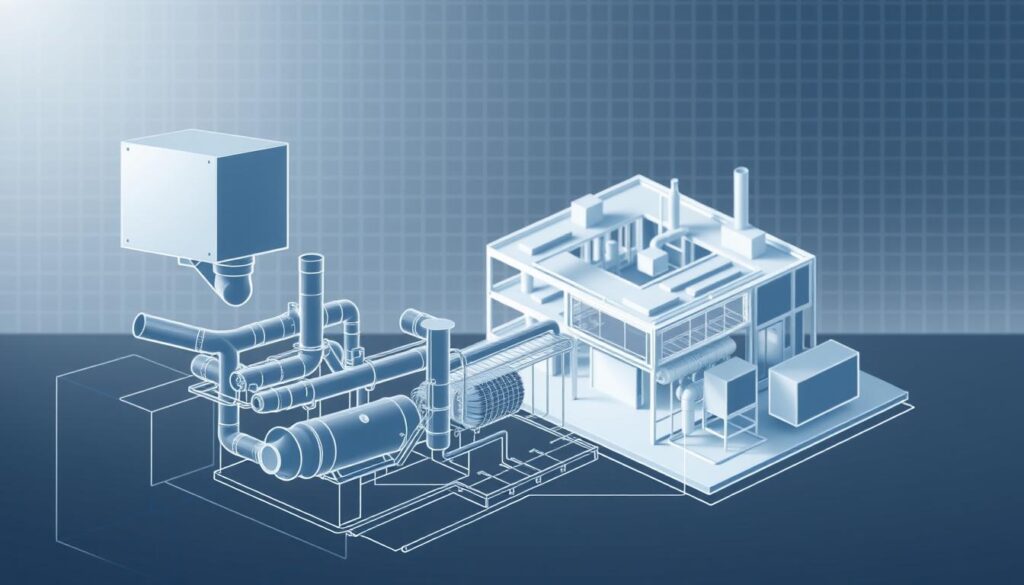
Visual tools like Miro or Lucidchart make this process easier. They help you create professional diagrams that are easy to understand8.
Iterating and Refining Your Diagram for Clarity
Refinement is key to creating a clear and effective diagram. Share your draft with your team and gather feedback. Developers can spot technical issues, while architects ensure the design aligns with the space.
Iterate based on their input. For example, adjust the placement of components to improve integration. This feedback loop ensures your final diagram is accurate and functional.
| Component | Role | Integration Tip |
|---|---|---|
| Air Handler | Circulates air | Ensure proper placement for efficiency |
| Thermostat | Controls temperature | Use software for precise adjustments |
| Ductwork | Distributes air | Inspect for leaks regularly |
By following these steps, you’ll create a well-rounded architecture that meets both technical and organizational goals. Collaboration and iteration are your best tools for success.
Troubleshooting Essentials: Overcoming Common HVAC Diagram Issues
Ever felt stuck trying to fix an HVAC issue that seemed impossible to solve? You’re not alone. Design flaws are common, but the good news is they’re solvable. With the right approach, you can tackle these challenges head-on and keep your setup running smoothly.
Recognizing and Resolving Design Flaws
One of the most frequent issues is miscommunication during the planning phase. For example, a poorly designed database can lead to inefficiencies in tracking performance data9. Early detection of these flaws is crucial. Regularly review your deployment plans to ensure consistency across all components.

Another common problem is overlooking airflow measurements. Accurate readings are essential for maintaining efficiency. Tools like flow hoods and anemometers can help you identify discrepancies9. By addressing these issues early, you can prevent larger problems down the line.
The Role of Collaboration and Communication
Effective communication is key to successful troubleshooting. Involve all stakeholders, from designers to technicians, to ensure everyone is on the same page. This collaboration helps identify potential flaws before they escalate10.
For instance, revisiting the deployment phase can reveal overlooked details. A well-organized team can quickly address these issues, saving time and resources. Clear communication ensures that every step aligns with your goals.
Real-Life Strategies for Refining Diagrams
Refining your diagrams is an ongoing process. Start by mapping out all components and their relationships. Use visual tools to highlight potential problem areas. This approach ensures that every element of your organization is accurately represented.
For example, ASHRAE recommends performing a TAB audit every five years to maintain efficiency9. This proactive step can help you spot issues before they impact performance. By following these guidelines, you’ll create a more reliable and efficient setup.
Real-Life Insights: Success Stories in HVAC Diagram Implementation
Have you ever wondered how some businesses manage to keep their HVAC setups running flawlessly? It’s not just luck—it’s about using the right tools and strategies. Let’s dive into some success stories that show how proper planning and innovative features can make all the difference.
Sharing Practical Experiences Over Coffee
Picture this: a small business struggling with uneven heating and cooling. They decided to use Miro’s collaborative features to map out their HVAC layout. By involving their entire team, they identified a critical airflow issue that had been overlooked for months. The result? A 20% improvement in energy efficiency11.
Another example comes from a school district that integrated Lucidchart into their planning process. They used the tool’s real-time inventory tracking to ensure they always had the right hardware on hand. This simple step reduced delays and saved them thousands in unexpected costs12.
Leveraging Industry Stats and Research
Industry research backs up these success stories. For instance, companies that use HVAC project management software report a 30% reduction in operational issues11. Features like automated job tracking and CRM capabilities have been game-changers, improving both efficiency and customer satisfaction.
One study found that integrating AI-driven analytics into HVAC setups can reduce energy consumption by up to 21%12. These stats highlight the importance of staying updated with the latest tools and technologies.
By learning from these real-life examples, you can adapt proven strategies to your own setup. Whether it’s using collaborative tools or investing in the right hardware, the right plan can transform your HVAC performance.
Leveraging Diagramming Tools and Templates for HVAC Systems
Visualizing your HVAC layout doesn’t have to be a daunting task—thanks to modern tools. Platforms like Miro and Lucidchart have revolutionized how we plan and document setups. With ready-made templates and intuitive interfaces, these tools simplify the design process, saving you time and effort13.

Exploring Miro’s and Lucidchart’s Template Benefits
Miro and Lucidchart offer a range of templates tailored for HVAC planning. These templates provide a solid foundation, ensuring your diagrams are accurate and professional. For example, 90% of HVAC professionals recommend using specialized software for creating detailed visuals13.
Ready-made templates also help you document the entire system effectively. They ensure consistency and reduce errors, making it easier to communicate with your team. Whether you’re mapping airflow or planning ductwork, these tools have you covered.
Selecting the Right Tool for Seamless Collaboration
Choosing the right tool depends on your needs. Miro excels in real-time collaboration, allowing multiple users to work on the same diagram simultaneously. Lucidchart, on the other hand, offers advanced features like automated sizing and pressure loss calculations14.
When comparing tools, consider ease of use, flexibility, and integration capabilities. For instance, Miro’s drag-and-drop interface is perfect for beginners, while Lucidchart’s precision appeals to experienced users. Both platforms provide valuable insight into best practices for HVAC documentation.
Ready to get started? Try out these tools to see how they can transform your planning process. With the right software, you’ll gain a clearer understanding of your setup and improve collaboration across your team.
Aligning Your HVAC Diagram with Organizational and Technical Goals
When it comes to aligning your HVAC layout with your organization’s goals, clarity is key. A well-designed plan ensures that every component works seamlessly, meeting both immediate needs and long-term objectives. By balancing research, trends, and teamwork, you can create a setup that’s efficient, scalable, and easy to maintain.
Balancing Research, Trends, and Team Collaboration
Effective planning starts with staying updated on the latest trends. For example, integrating high-performance equipment can reduce energy consumption by up to 40%15. Pair this with thorough research to ensure your design aligns with industry standards and your specific needs.
Collaboration is equally important. Involve your team early in the process to gather diverse insights. This approach not only improves the design but also ensures everyone is on the same page.
Ensuring Clear Communication Across Stakeholders
Clear communication is the backbone of any successful project. Use visual tools to map out each component and its role. This helps stakeholders understand the line of responsibility and reduces misunderstandings.
Regular updates and feedback sessions keep the project on track. For instance, allocating time for weekly reviews can prevent delays and ensure all resources are used effectively.
| Best Practice | Benefit |
|---|---|
| Use visual tools | Improves clarity and reduces errors |
| Involve all stakeholders | Ensures alignment with goals |
| Regular reviews | Keeps the project on track |
By focusing on these strategies, you’ll create a plan that not only meets technical requirements but also supports your organization’s broader goals. A well-crafted layout is a living document that evolves with every phase of the project.
Conclusion
Taking a step back to visualize your HVAC layout can make all the difference. By now, you’ve seen how a clear application architecture diagram can simplify planning and troubleshooting. Tools like Miro and Lucidchart enable real-time updates and seamless collaboration, ensuring everyone stays aligned16.
Reflect on how a deeper understanding of your setup can boost efficiency. Whether it’s mapping airflow or integrating components, a trusted platform helps you stay organized. This approach not only saves time but also enhances performance17.
Start applying these strategies today. Explore innovative solutions and refine your software architecture for long-term success. Your HVAC setup deserves the best—take the next step and see the results for yourself.
FAQ
Why is an HVAC architecture important for planning?
How can I identify key components in my HVAC design?
What tools are best for creating HVAC diagrams?
How do I troubleshoot common issues in HVAC diagrams?
How can I ensure my HVAC diagram meets stakeholder needs?
What are the benefits of using templates for HVAC diagrams?
How do I integrate hardware and software in my HVAC design?
What role does collaboration play in HVAC diagram creation?
Source Links
- HVAC Plan: The Complete Guide | EdrawMax
- Understanding HVAC Systems Basics, Work & Types
- Ultimate Guide to HVAC Systems
- How Do You Read Blueprints and Technical Diagrams? | Refrigeration School, Inc. (RSI)
- A Comprehensive Guide for HVAC Duct Shop Drawings
- How to Make an HVAC Floor Plan With RoomSketcher
- HVAC Design Pathway | ashrae.org
- The Basics of HVAC Zoning – GreenBuildingAdvisor
- HVAC system balancing reports: A roadmap to effective design and troubleshooting | Consulting – Specifying Engineer
- Course Outline
- HVAC Project Management Software Guide
- AI Takes on Growing Role in HVAC System Efficiencies
- How to Create Impressive HVAC Design Presentations for Clients
- How to Create Detailed HVAC Project Documentation with AutoCAD Software
- High-Performance HVAC | WBDG – Whole Building Design Guide
- Exploring Diagram of System: Examples, Tool & Templates
- System Flowchart – A Complete Guide



0 Comments